
FitzProject Manager v2.0 — Desktop Project, Task & Performance Suite
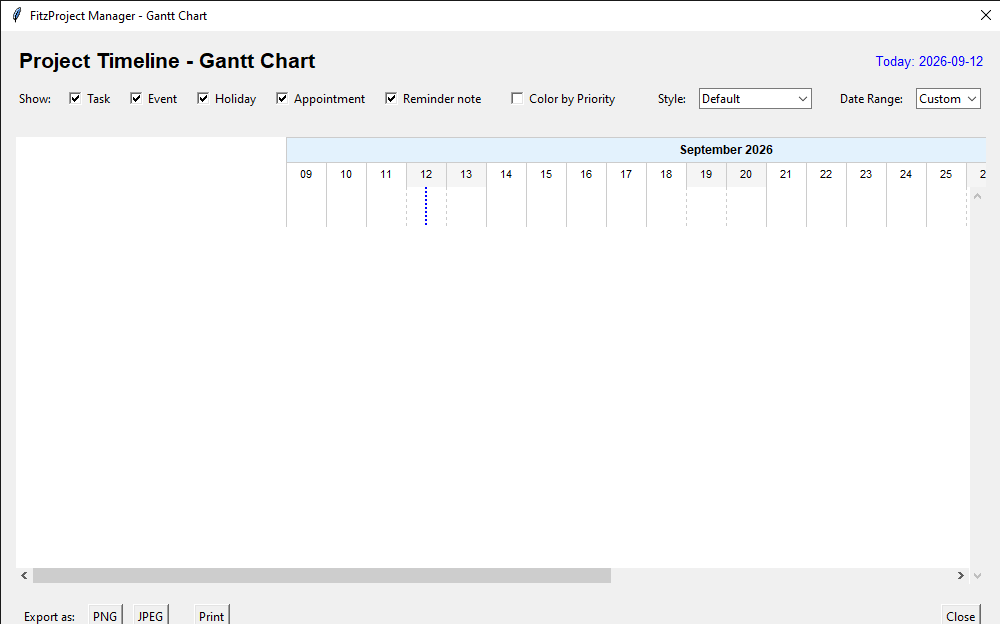
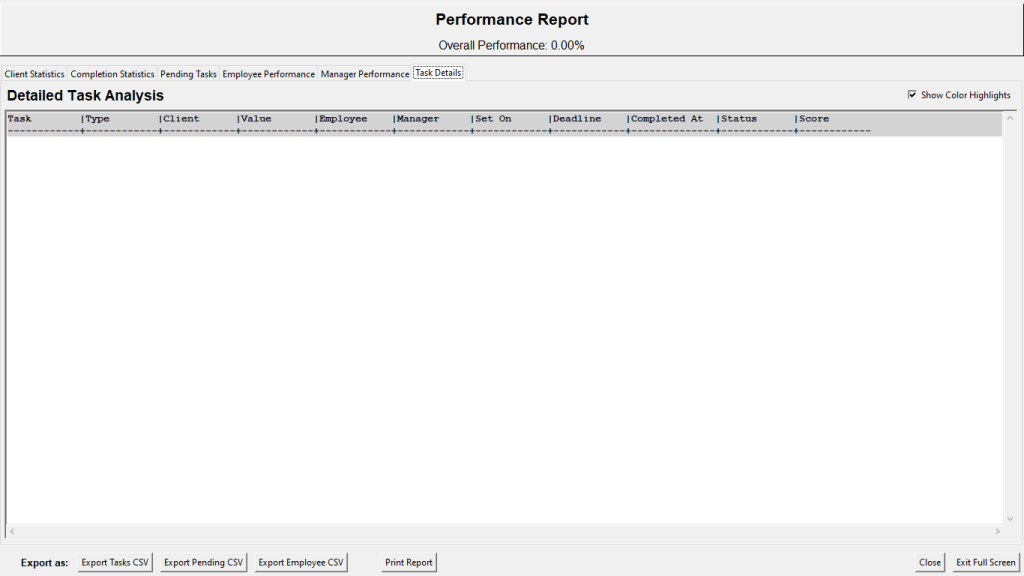
FitzProject Manager is a professional desktop application for planning, tracking and reporting work across tasks, events, appointments and reminders. It is developed as part of the Fitz Software family (Fitz Software Solutions). You work from a month calendar and a dual-pane workspace: add entries with dates, clients, monetary value, currency, priority (weight or value), deadlines, alarms, dependencies and subtasks; then view, filter and sort them, or pin live desktop widgets that stay on top and update every second. Visual tools include Gantt charts (with today-line, styles and export), network diagrams of dependencies, PERT (optimistic / most-likely / pessimistic times, expected duration and variance), critical-path analysis (earliest/latest start and finish, total and free float) and Work Breakdown Structure in hierarchical, tabular, mind-map and org-chart layouts. A performance report covers completion (on time / late / cancelled), pending work by period, client value, and employee and manager success rates. Data is stored locally in SQLite; you can save and open named projects, import and export JSON, and export CSV and images (PNG, JPEG, SVG, PDF). Optional pygame support drives reminder alarms (beep, chime, bell, custom files) with snooze. Holidays can be shown for Zambia or the USA. Everything runs on the machine; nothing is required to leave the organisation unless you choose to export a file.

Value to Academia
Lecturers and students get one environment that covers introductory project-management and operations modules: calendar and deadline literacy; WBS as a scope tree; Gantt as a time-phased plan; network and PERT as activity-on-node logic with expected time (O+4M+P)/6 and standard deviation (P−O)/6; critical path as the longest path and the set of activities with near-zero float. Subtasks turn a parent activity into a measurable checklist so progress is not only “time elapsed” but “work done.” Dependencies make predecessor–successor relationships explicit and feed the network, PERT and critical-path views. Priority by weight or by monetary value supports discussions of scarce attention versus scarce budget. Performance tabs (completion mix, pending by week/month/year, client value) give a compact dataset for a methods or consulting-skills assignment. Chart and WBS settings (margins, colours, labels, layouts) produce figures suitable for slides and theses. Saved projects and frameworks of filters let a course standardise “build a small project, show Gantt, mark the critical path, write a one-page performance note” without stitching Excel, a drawing tool and a separate timer.
Value to the Corporate World
Consultancies, agencies, utilities and internal PMO units can keep client work, internal projects and reminders in one place. Each activity can carry a client name, a value and a currency (including ZMW and a custom code), so the same list supports both delivery tracking and a simple pipeline of expected revenue. Priority by weight or by value lets teams surface what is urgent versus what is valuable. Subtasks and widgets keep day-to-day execution visible on the desktop without opening the full application. Alarms on reminder notes reduce missed handovers. Gantt, network, PERT and critical path support planning meetings and client reviews; WBS (hierarchical, tabular, mind map, org chart) supports scope and reporting packs. The performance report answers “who delivered, who is late, what is still open, and what value is at risk,” including employee and manager views with a simple success-rate rating. Export to CSV and images feeds board packs and billing backups. Local SQLite and project files support handover and audit. Colour legends (type, priority, progress stage, overdue) make status readable in a standup without opening every record.
Value to the Policy Sphere
Ministries, local authorities, NGOs and programme units can treat a grant, a reform or a service rollout as a set of dated activities with owners, dependencies and public holidays. WBS groups work by type, client (or beneficiary unit), priority, deadline month or manager, which matches how many public programmes are structured. Critical-path and float figures give a formal basis for “this slip moves the end date” versus “this slip is absorbed.” Pending views by week, month and year support cabinet or donor sitreps. Client-style value fields can hold budget envelopes or output values so the same tool speaks to both schedule and money. Performance tabs document on-time versus late versus cancelled work for internal audit and parliamentary annexes. Local execution, explicit parameters and exportable logs support reproducibility and public-sector record-keeping. Country holiday overlays (including Zambia) reduce planning against closed days.
Trying the software is free of charge. Clients can run the software for free until the expiry of the Trial version. That is when they can decide to subscribe to use the software for a Month at K300 for Zambian clients and $50 for clients from foreign countries. The payment method is open to discussion with the client, considering that clients would prefer different payment methods. They can cancel their subscription at any time. Please subscribe to continue using this software.
For subscription assistance, please contact us by email at resgroup@research-expert-solutions.com. Alternatively, for a prompt response, you can call or send us a WhatsApp message on +260 972 412 315.
We look forward to assisting you.